24 steps
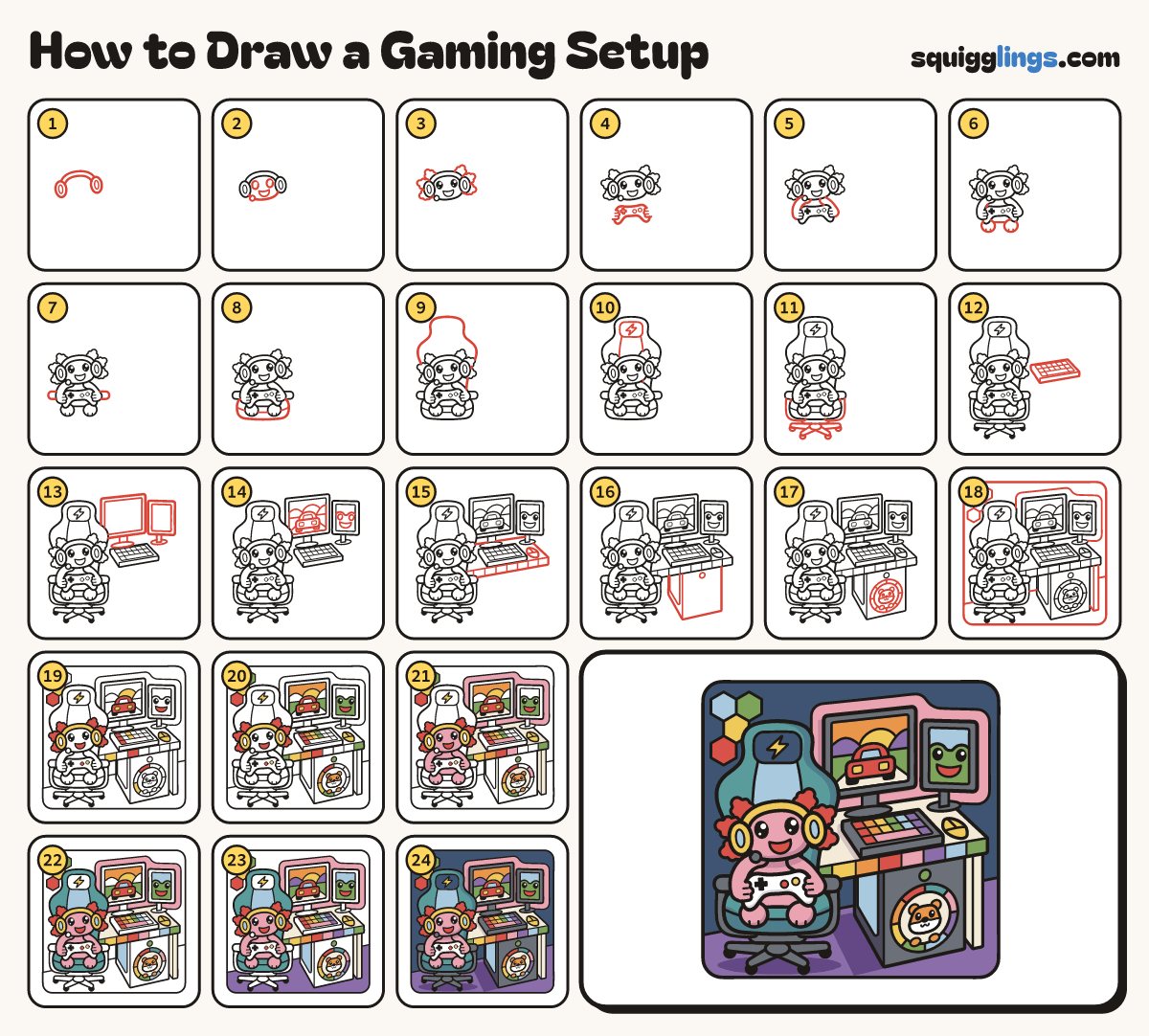
Step 1: Headset
NextStep 2: Face
NextStep 3: Gills
NextStep 4: Controller
NextStep 5: Arms
NextStep 6: Feet
NextStep 7: Armrests
NextStep 8: Seat
NextStep 9: Chair back
NextStep 10: Lightning pillow
NextStep 11: Chair legs
NextStep 12: Keyboard
NextStep 13: Screens
NextStep 14: Games
NextStep 15: Desk
NextStep 16: Computer
NextStep 17: Hamster fan
NextStep 18: Wall lights
NextStep 19: Red and yellow
NextStep 20: Orange and green
NextStep 21: Pink and cream
NextStep 22: Light blue and teal
NextStep 23: Purple
NextStep 24: Dark colours
NextAll done?You did it!
Trace this
What next?
 Draw nextHow to draw a Toy Brick
 Color it: gaming setup coloring page
The steps in words
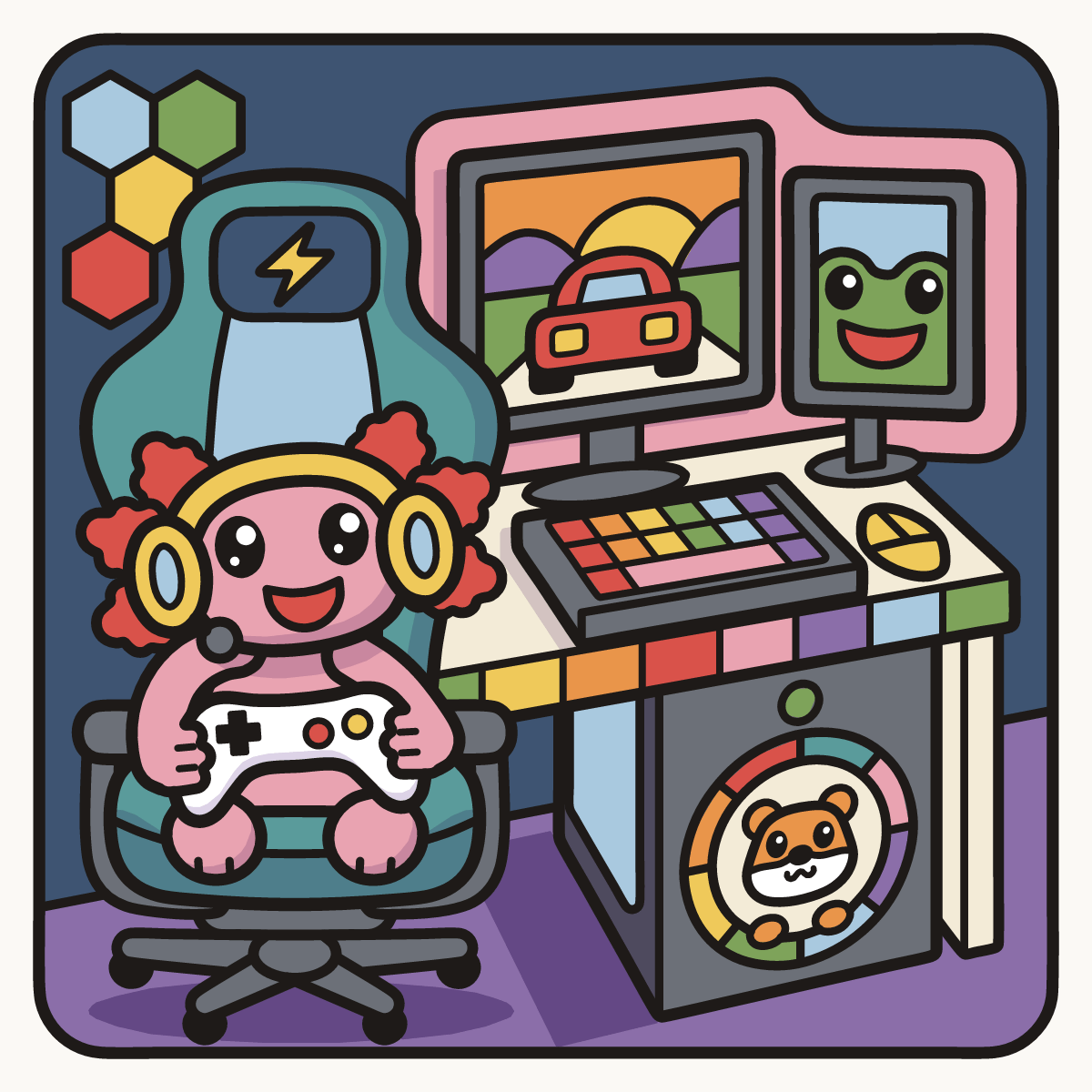
Draw a gaming setup in 24 steps, about 18 minutes. Free, with a printable worksheet. You need paper, a pencil and crayons or markers.

Headset. On the left, draw two ear pads. Join with a thick band.

Face. Under the left pad, a microphone. Then eyes, big smile and chin.
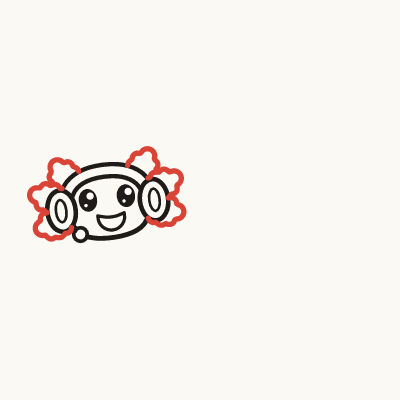
Gills. Behind the headset, draw three frilly gills on each side.
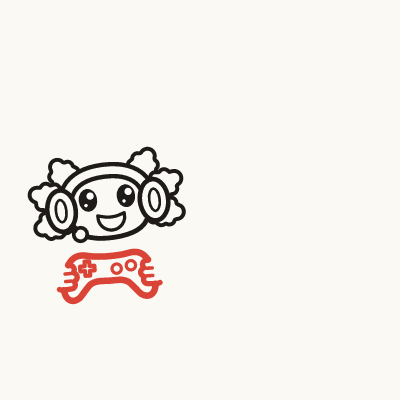
Controller. Below the chin, draw two hands on a controller with buttons.
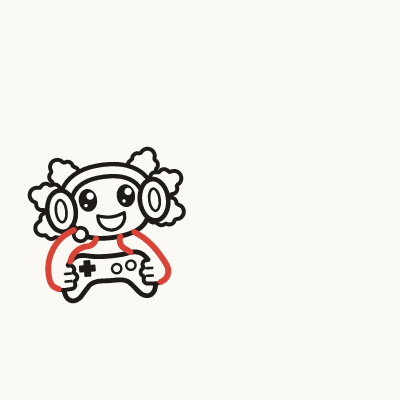
Arms. Curve the arms from the chin out and down to the hands.
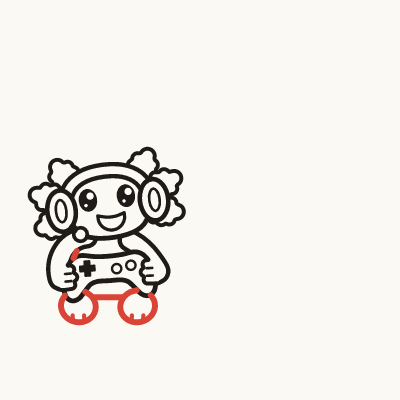
Feet. Under the controller, draw two round feet. Add the tummy line.
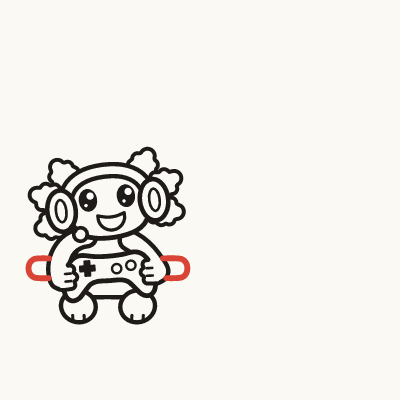
Armrests. Beside each arm, draw a rounded armrest.
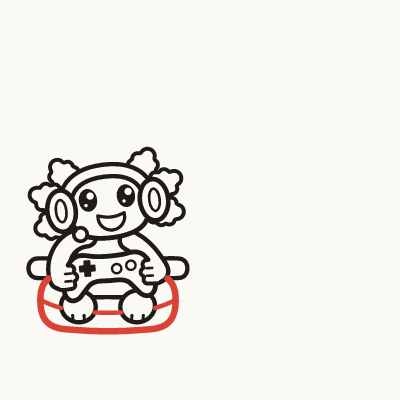
Seat. Round the feet, draw a wide seat with a front edge.
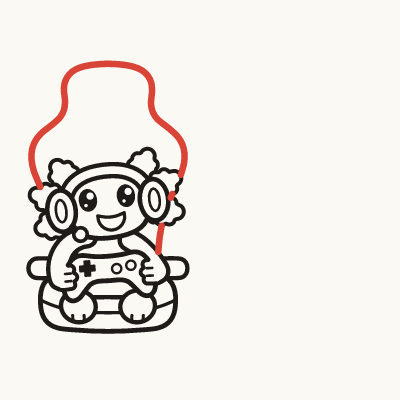
Chair back. From the seat, go up, out and round above the head.
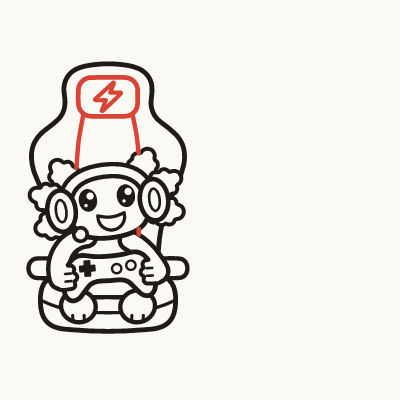
Lightning pillow. Inside the top, draw a pillow with lightning. Add two stripes.
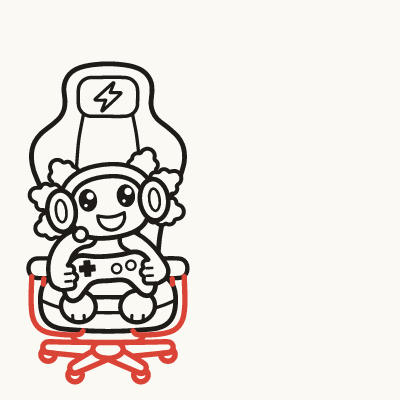
Chair legs. Add bent posts under the armrests, a hub, four legs and wheels.
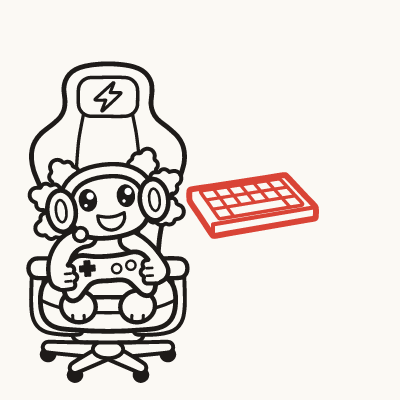
Keyboard. Right of the chair, a slanted box with keys. Make one long.
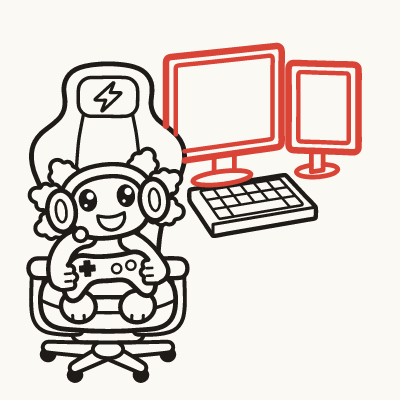
Screens. Above the keyboard, a big screen and a small one on stands.
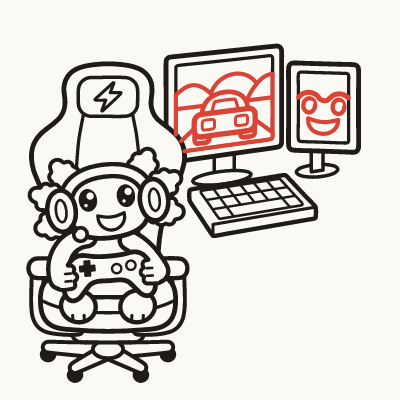
Games. On the screens, draw a car on a road and a frog.
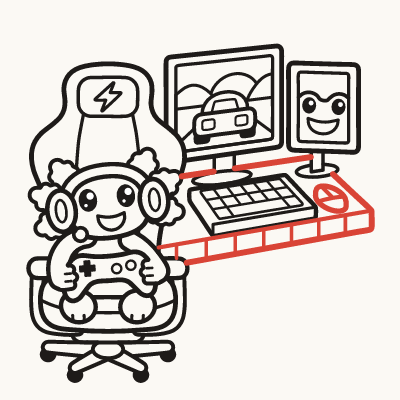
Desk. Draw a mouse. Draw the desk around, with squares along its front.
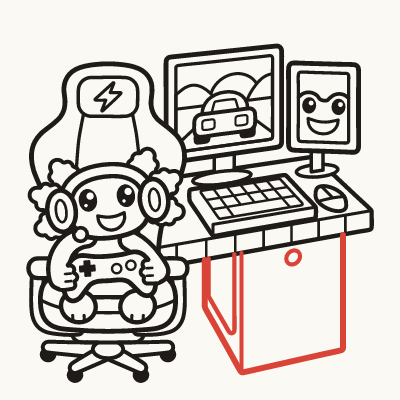
Computer. Under the desk, draw a tall box with a window and button.
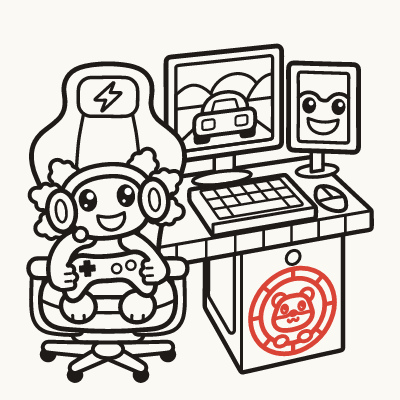
Hamster fan. On its front, a hamster peeks out of a ring of lights.
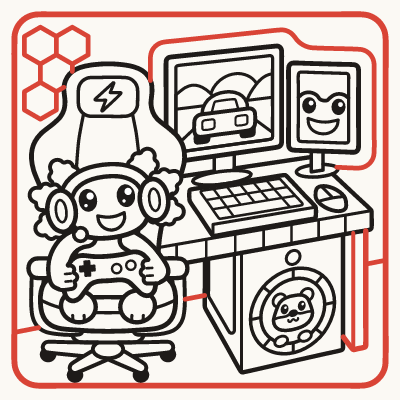
Wall lights. Add six-sided lights, a glow round the screens, floor and frame.
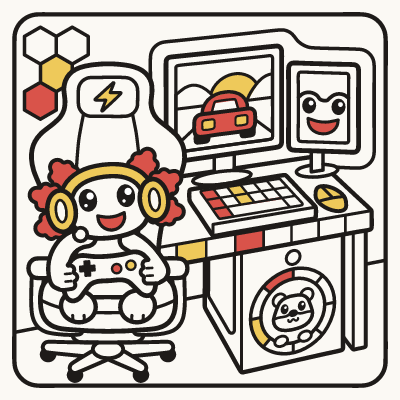
Red and yellow. Colour gills and car red, headset and sun yellow, some lights too.
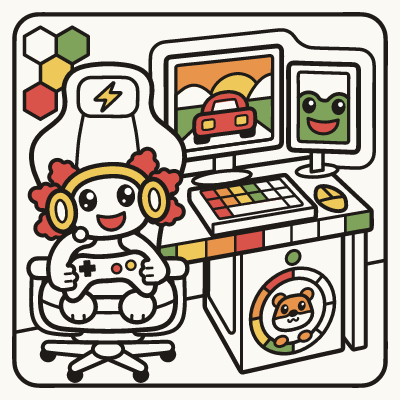
Orange and green. Colour sunset and hamster orange, frog and grass green, more lights too.
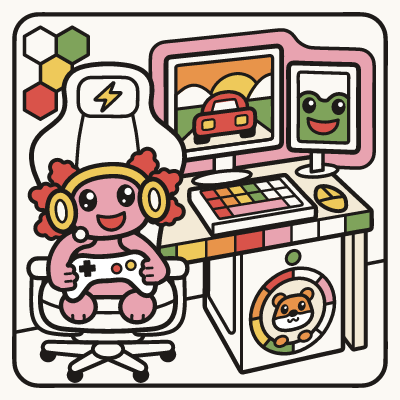
Pink and cream. Colour the axolotl and the glow pink, the desk and road cream.
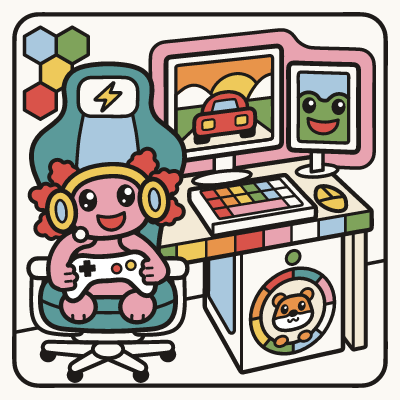
Light blue and teal. Colour stripe, windows and more lights light blue, the chair teal.
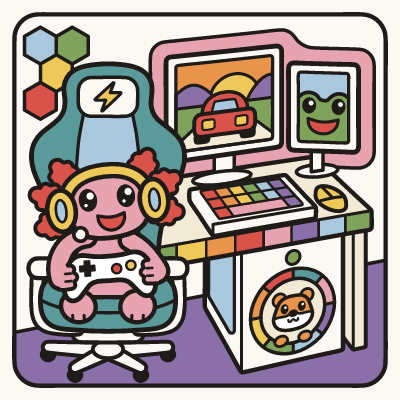
Purple. Colour the floor, the hills and the last lights purple.
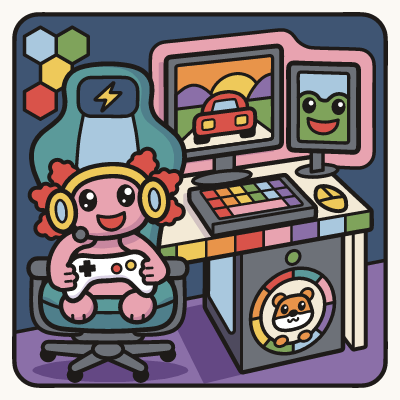
Dark colours. Colour the machines grey and the wall dark blue. Add soft shade.
More to draw



More toys and gamesMore Everyday objects to drawEvery squiggling, A to Z