Watch it draw itself · tap to replay
How to Draw a Computer Mouse
Draw a computer mouse in 10 easy steps, about 8 minutes. Free, with a printable worksheet.
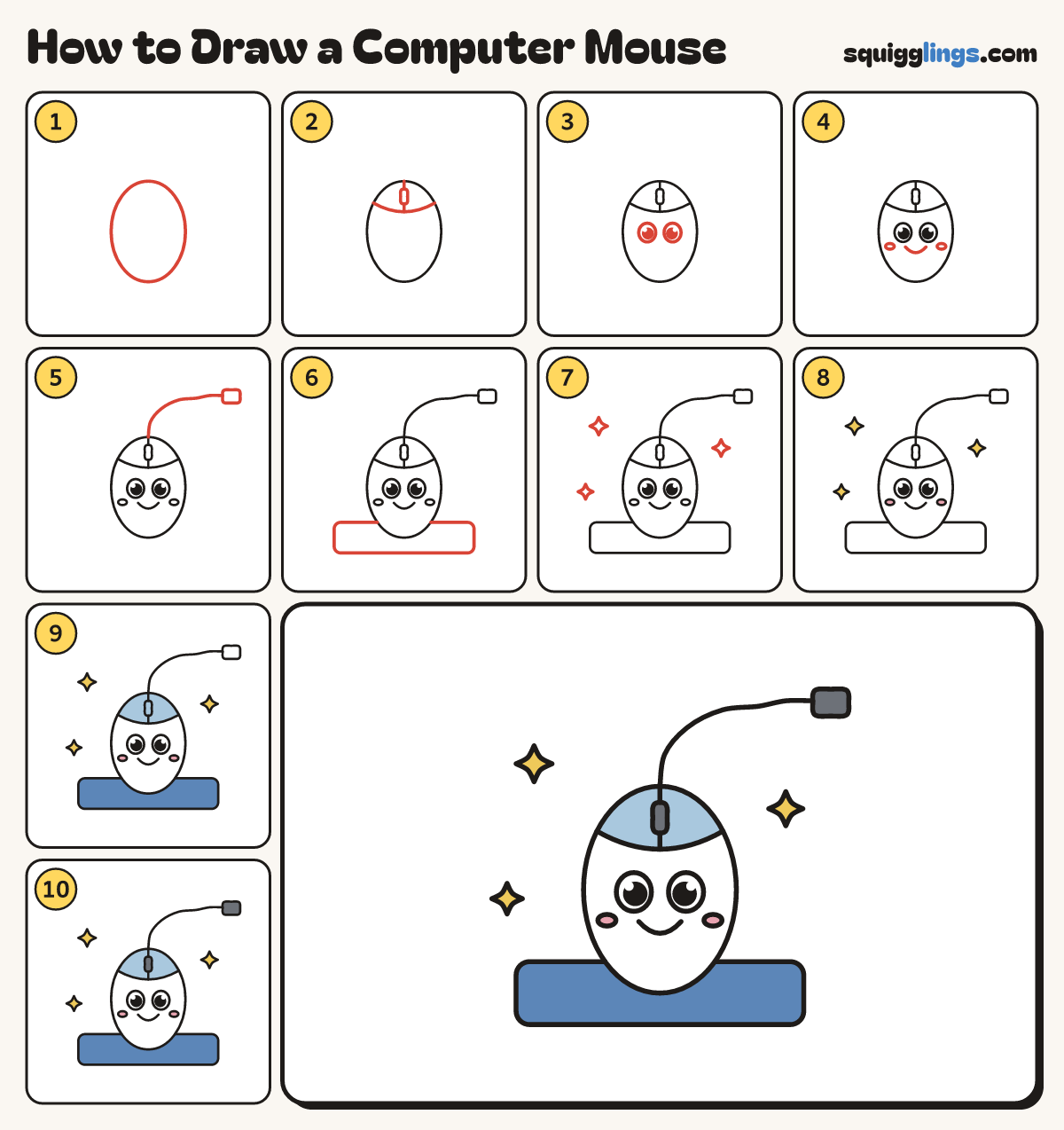
Each picture adds one red line. Draw that line, then scroll to the next picture. Rub out any dashed helper lines at the end. First up: the mouse body.
Step 1: The mouse body
In the middle, draw a tall egg, a little fatter at the bottom, about a hand and a half tall.
Step 2: The buttons
Draw a smile line across the top. Draw a line from the top down to it, with a tiny wheel.
Step 3: Two big eyes
Under the buttons, in the middle, draw 2 big egg eyes with a black dot and white shine.
Step 4: Smile and cheeks
Draw a wide U smile under the eyes. Add a small flat oval cheek beside each end.
Step 5: The cord
From the top of the egg, draw a wavy cord up to the right, ending at a small plug.
Step 6: The mouse pad
Under the mouse, draw a long flat rectangle with rounded corners, wider than the mouse, so it sits on it.
Step 7: Sparkles
Draw 3 sparkle stars around the mouse, each like a plus sign with sides that dip in.
Step 8: Yellow sparkles, pink cheeks
Colour the sparkles yellow and the cheeks pink. Leave the body and the eyes white.
Step 9: Sky buttons, blue pad
Colour the buttons sky blue, around the wheel. Colour the mouse pad blue.
Step 10: Slate wheel and plug
Colour the wheel and the plug slate. Your computer mouse is done!
Your finished drawing
Follow the steps above and this is where you end up: a computer mouse, drawn by you.
Every step in one picture